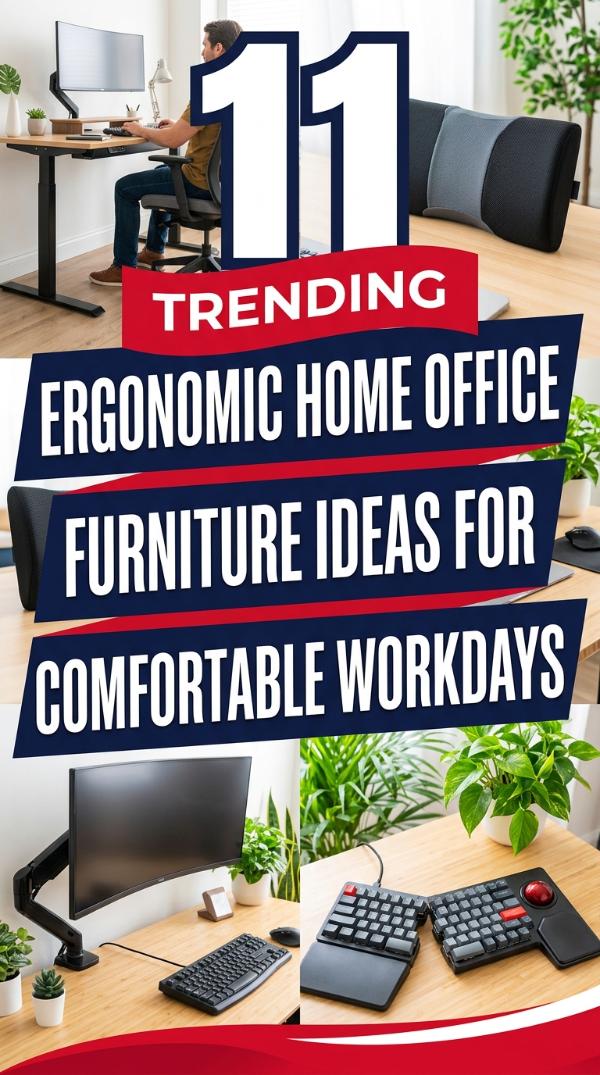
Sitting at a desk for hours often leads to nagging back pain and stiff joints. Finding the right gear is essential for your long-term health and your daily productivity.
Creating a professional space that supports your body makes a huge difference. Explore these 11 Ergonomic Home Office Furniture Ideas for Comfortable Workdays to transform your setup today.
These specific picks focus on posture, movement, and overall comfort. Let’s dive into the best furniture to keep you feeling energized while you work from your home office.
1. Adjustable Standing Desk
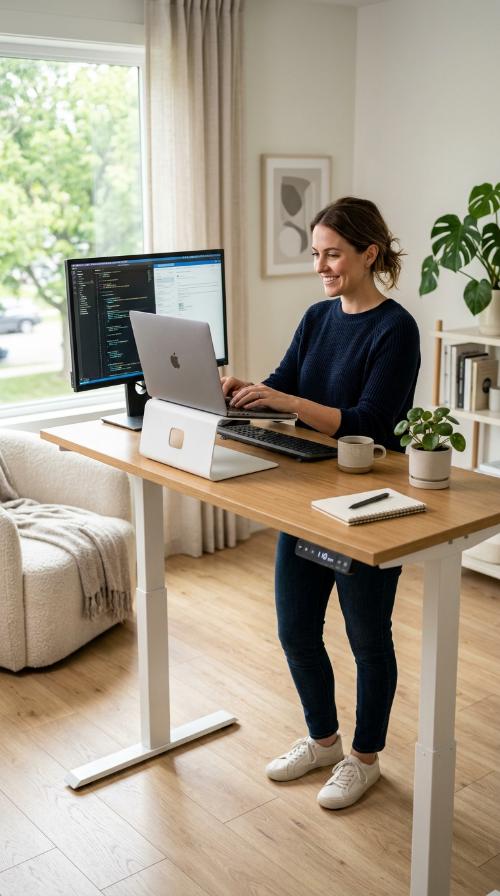
An adjustable standing desk is the foundation of a healthy ergonomic setup. It allows you to switch between sitting and standing positions effortlessly throughout your busy workday.
Regular movement helps boost your energy levels and improves blood circulation. You can easily find the perfect height for your elbows and wrists with one simple button press.
Investing in a height-adjustable desk significantly reduces the strain on your lower back. It keeps you active and engaged even during the longest afternoon meetings or complex projects.
2. Ergonomic Mesh Office Chair

A high-quality mesh chair provides essential breathability and spine support. It contours to your back to encourage natural alignment while you focus on your various daily tasks.
Proper lumbar support is vital for preventing slouching and general fatigue. This chair style keeps you cool and comfortable during the hottest summer afternoons in your home office.
Adjustable armrests and headrests offer personalized comfort for any body type. It is a must-have for anyone spending many hours at a computer screen every single day.
3. Active Sitting Stool
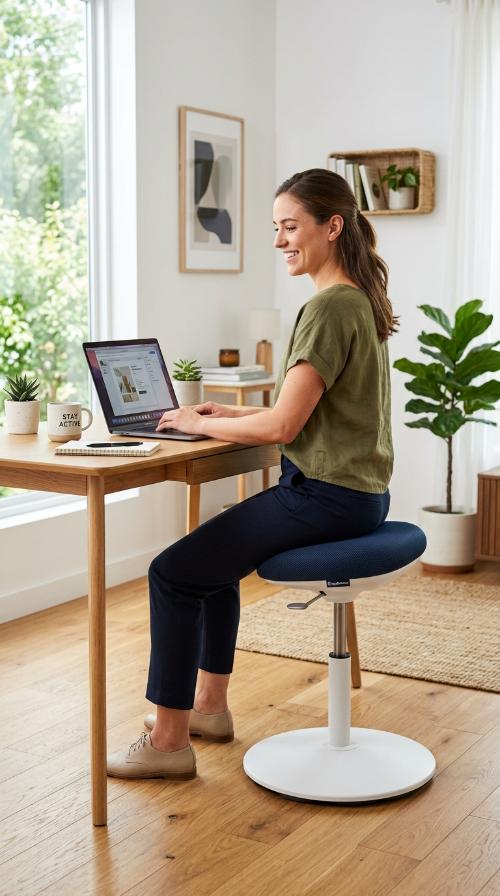
Active stools encourage micro-movements while you sit at your desk. This engages your core muscles and keeps your body from becoming too static or stiff during work.
These stools are perfect for alternating with your standard office chair. They promote better posture by forcing you to balance slightly while you complete your important digital work.
The compact design fits easily under most desks when it is not in use. It is a fun and functional way to stay active without leaving your workstation.
4. Adjustable Monitor Arm

Placing your screen at eye level is crucial for your neck health. An adjustable monitor arm allows you to position your display exactly where you need it most.
This setup prevents you from tilting your head down or forward. It significantly reduces the risk of developing painful neck strain after hours of typing and reading.
Freeing up valuable desk space is an added bonus of using a mount. You will have more room for your keyboard, mouse, and other essential office supplies.
5. Ergonomic Footrest
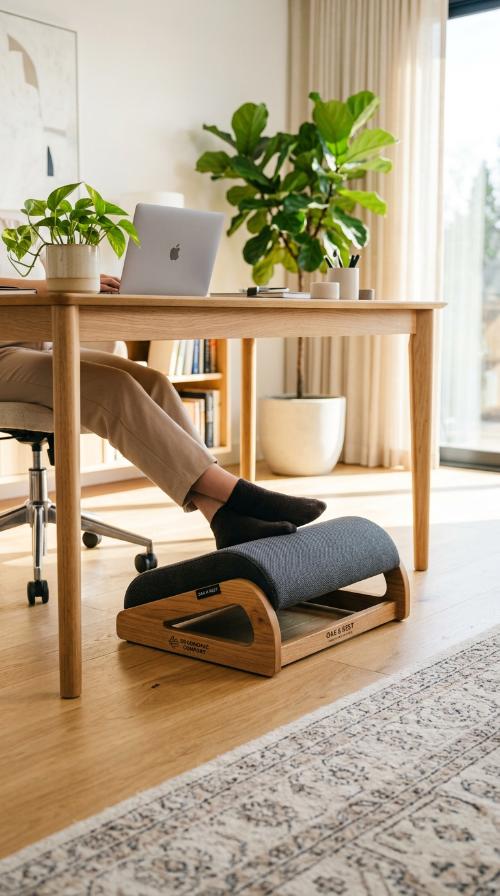
A teardrop-shaped footrest helps maintain proper leg alignment while you are seated. It reduces pressure on your thighs and improves circulation throughout your entire lower body.
Keeping your feet flat on a supportive surface prevents lower back strain. It makes a surprising difference in how you feel at the end of a long day.
Look for a non-slip base to keep the footrest securely in place. Some models even feature massage rollers to keep your feet feeling refreshed and relaxed while working.
6. Vertical Ergonomic Mouse
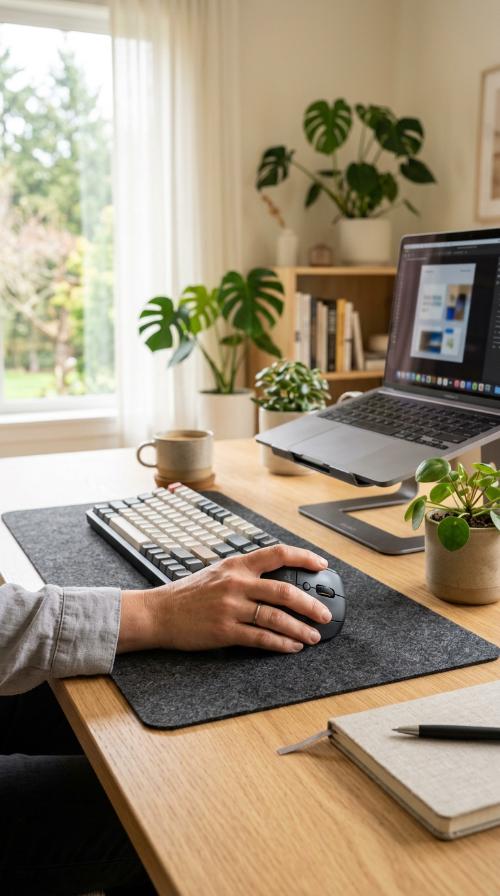
Traditional mice can cause significant wrist strain and carpal tunnel issues. A vertical mouse keeps your hand in a natural handshake position to minimize muscle tension.
This design encourages a more relaxed grip and smoother arm movements. It is a simple switch that provides immediate relief for your tired wrists and forearms.
Most vertical mice offer customizable buttons for better workflow efficiency. They are perfect for designers, writers, and anyone who uses a computer for several hours every day.
7. Mechanical Split Keyboard
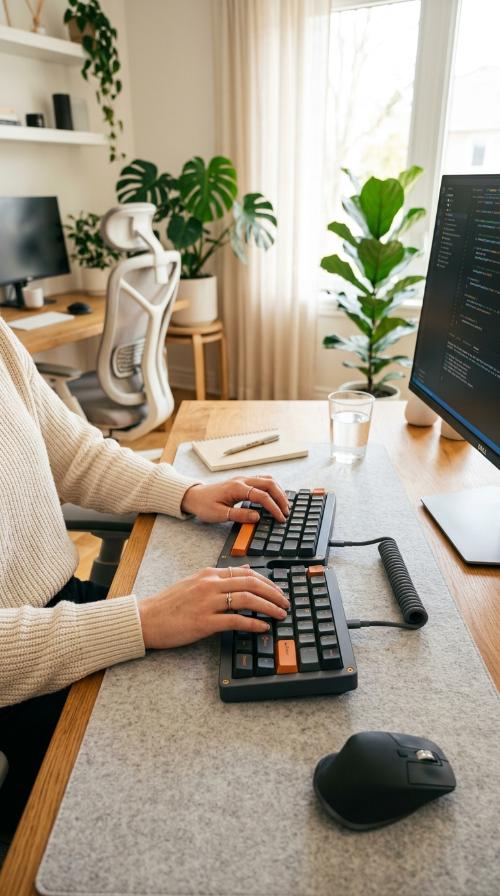
Split keyboards allow you to place your hands at shoulder width. This opens up your chest and reduces the painful inward rotation of your wrists while typing.
You can adjust the angle of each half to suit your personal preference. It creates a much more comfortable typing experience for long-form writing and difficult coding tasks.
Many ergonomic keyboards also include integrated palm rests for extra support. This prevents your wrists from resting on the hard surface of your desk while you work.
8. Anti-Fatigue Standing Mat

Standing on hard floors can be very tough on your joints. An anti-fatigue mat provides the cushioning needed to stand comfortably for much longer periods of time.
These mats encourage subtle leg muscle movements to improve your blood flow. This prevents the dull ache often associated with standing still during your productive workday.
Choose a mat with contoured edges to stretch your calves occasionally. This small addition makes using your standing desk a far more enjoyable and healthy experience.
9. Lumbar Support Pillow
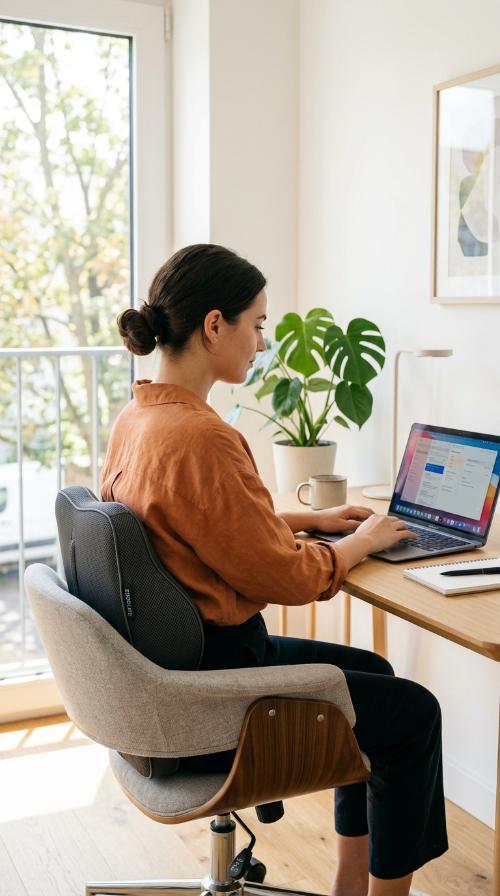
If you are not ready for a new chair, a lumbar pillow is a great fix. It provides the necessary curve to support your lower back properly.
These pillows are usually made of memory foam for maximum comfort. They easily strap onto almost any chair to improve your posture instantly and very affordably.
Taking this portable support with you ensures comfort wherever you work. It is an easy way to upgrade any seat into a more ergonomic and supportive workspace.
10. Adjustable Laptop Stand

Laptops often cause poor posture because the screen is too low. A stand lifts the display to eye level, preventing you from hunching over your keyboard.
Using a stand also improves the airflow around your mobile device. This keeps your laptop running cool even during intensive tasks or long video conference calls.
Pair your stand with an external keyboard and mouse for the best results. This creates a full desktop experience that is much better for your overall body health.
11. Desktop Document Holder
Looking down at papers on your desk can strain your neck. A document holder keeps your notes at the same level as your computer monitor screen.
This reduces the repetitive head movement between your desk and display. It streamlines your workflow and keeps your focus sharp without causing any physical discomfort.
Most holders are fully adjustable, so you can find the perfect viewing angle. They are essential tools for anyone who frequently references physical documents while working online.
Why is ergonomic furniture important?
It prevents long-term physical strain and repetitive injuries. By supporting your body’s natural alignment, you stay focused and productive throughout your busy workday.
Should I use a standing desk all day?
No, it is best to alternate between sitting and standing positions. Moving every thirty minutes keeps your circulation healthy and prevents muscle fatigue or soreness.
How high should my monitor be?
The top of your screen should be at eye level. This prevents you from tilting your head, which saves your neck from unnecessary tension and pain.
Are vertical mice hard to use?
There is usually a small learning curve for most people. However, your wrist will feel much better within just a few days of consistent and regular use.
Can I make my current chair ergonomic?
Yes, you can add a lumbar pillow and a seat cushion. These small additions provide the extra support your back needs for working long hours comfortably.
What is the benefit of a split keyboard?
It allows your arms to rest in a more natural position. This reduces the strain on your shoulders and prevents chronic wrist pain during typing.